Moonshot AI develops the Kimi model family. Kimi K3 is its natively multimodal, long-context model for reasoning, coding, and knowledge work, while Kimi K2.6 emphasizes agentic tasks, coding, visual understanding, and general-purpose workflows. This page only presents models that appear in LinkModel's live catalog.
Explore Moonshot Kimi APIs
Compare the Kimi language models currently listed on LinkModel. Availability, pricing, context limits, and request schemas come from the live catalog, so open a model page before production deployment.
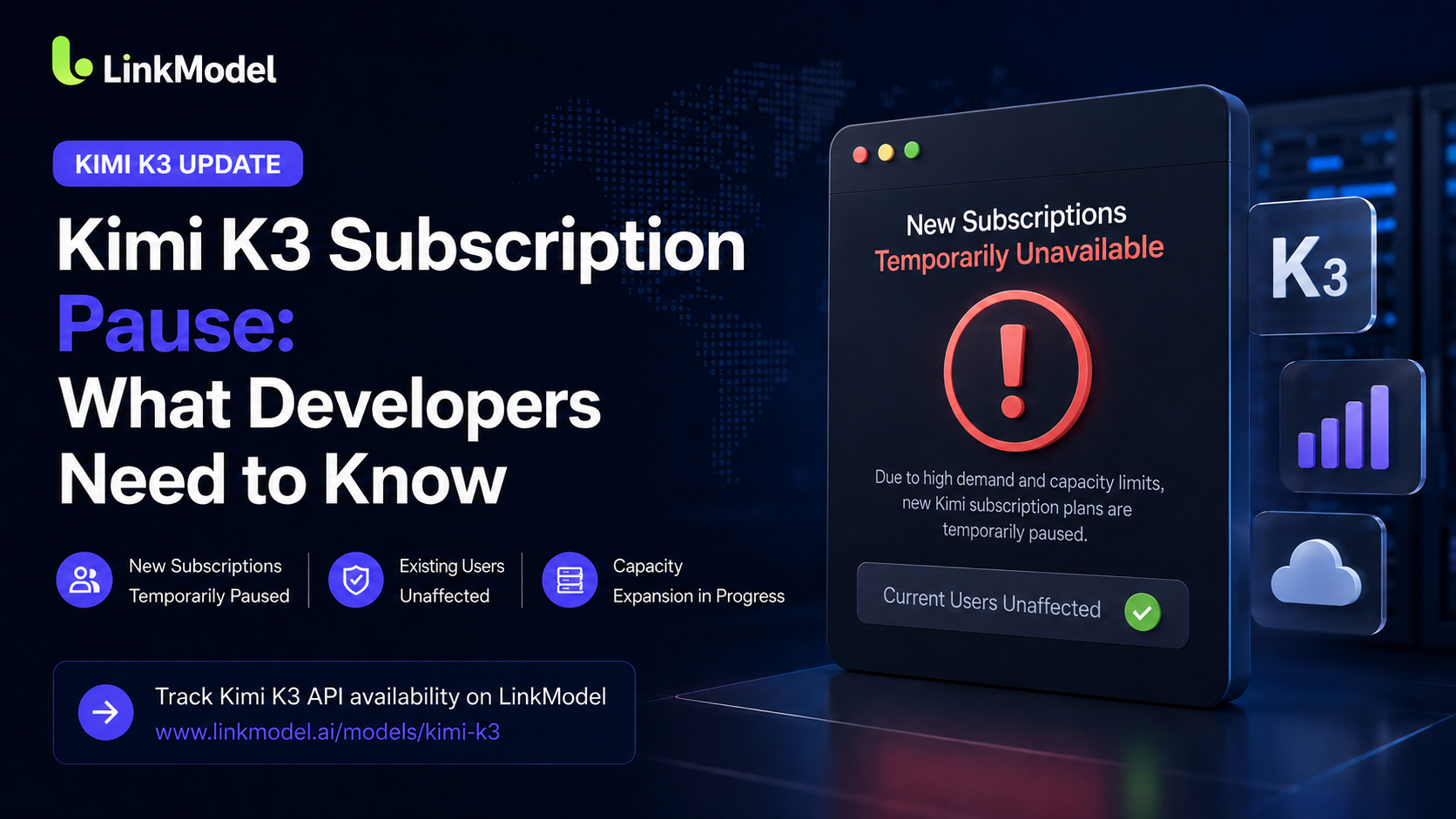
Moonshot AI's open flagship LLM: a 2.8T-parameter MoE (first open 3T-class model) with Kimi Delta Attention and Attention Residuals, native vision, 1M-token context, and always-on thinking for long-horizon coding, knowledge work, and reasoning.
Moonshot AI's open-weight 1T-parameter MoE multimodal agentic model, excelling in long-horizon coding, 300-sub-agent swarm orchestration, and native tool use — built for autonomous software engineering and agent workflows.
Choose Kimi K3 for native multimodal reasoning and long-context knowledge work. Choose Kimi K2.6 for agent-oriented coding and automation. Recommendations only appear when the matching model is live in LinkModel's catalog.
Kimi language, reasoning, and agent APIs
ModelBest forKey capabilitiesPricing
Model
Long-context multimodal reasoning and knowledge work
Best for
Moonshot presents Kimi K3 as a natively multimodal model with a 1M-token context window for long-horizon coding, deep reasoning, and knowledge work.
Use live Kimi models for long-document analysis, software engineering, multimodal reasoning, research, and agentic knowledge work from one account.
Long-document and knowledge analysis
Analyze large document sets, research material, and knowledge repositories with a model selected for long-context reasoning.
Software engineering agents
Build coding assistants and multi-step engineering workflows that reason over code, call tools, and produce implementation artifacts.
Multimodal research workflows
Combine text and supported visual inputs for research, review, and knowledge-work tasks after confirming the exact live request schema.
Why run Moonshot models through LinkModel?
Access supported Kimi models alongside other language providers while centralizing credentials, usage, and pay-as-you-go billing.
One key for live Kimi models
Use one LinkModel API key for supported Moonshot models and future versions as they enter the live catalog.
Compare providers in one catalog
Evaluate Kimi alongside DeepSeek, Claude, GPT, Gemini, GLM, and other live language families without maintaining another provider billing flow.
Centralized usage and billing
Track requests and pay-as-you-go charges from one account while keeping the selected model explicit in each integration.
Integrate the Kimi API
Use one LinkModel credential to call an available Kimi model and keep model access, usage, and billing in the same workflow.
Authenticate with one API key
Create a LinkModel API key and use it to authenticate requests for Kimi models enabled for your account.
Choose the live Kimi model
Select Kimi K3 or K2.6 according to the workload, then open its model page to confirm the current identifier, price, context limit, and request schema.
Send and monitor the request
Submit your prompt or supported multimodal input, handle the response, and monitor usage from the same LinkModel account.
Moonshot and its model names belong to their respective owners. LinkModel is an independent API aggregation platform and does not imply a formal relationship.
Kimi API Guide: Pricing, Features & When to Use Kimi K2.6
A practical Kimi K2.6 API guide — Moonshot AI's 1T-param multimodal agent model. Pricing, the 300-sub-agent swarm, cache economics, and how it compares to DeepSeek.
DeepSeek vs Kimi vs MiniMax: Which Chinese LLM API to Use?
DeepSeek V4 vs Kimi K2.6 vs MiniMax M2.7 — price, context, multimodality, agent strength and licensing compared, so you pick the right open-weight Chinese LLM API.
GLM vs Kimi: Which Open-Weight Coding Model Wins in 2026?
GLM-5.1 vs Kimi K2.6 — two open-weight agentic coding models compared on price, context, multimodality, agent style and licensing. Which to point your coding agent at.

 Kimi K3