Alibaba Cloud Model Studio provides the Wan and HappyHorse video model families. Wan 2.6 supports text-to-video and image-to-video workflows with multi-shot narrative and synchronized audio capabilities. HappyHorse 1.0 supports text-led and image-led video generation with natural motion and audio output. LinkModel only presents models that appear in its live catalog.
Explore Alibaba video generation APIs
Choose Wan 2.6 for cinematic multi-shot storytelling and synchronized audio, or HappyHorse 1.0 for natural text- and image-led motion. This catalog only shows Alibaba models currently available through LinkModel.
Alibaba's multimodal video generation model series supporting role-play (reference-to-video), multi-shot narrative, audio-visual sync, and up to 15-second output, enabling creators to star in AI videos with their own appearance and voice.
Alibaba ATH’s 15B video generation model with native audio-video generation, supporting dialogue, ambient sound, and lip sync. Ranked No. 1 on both Artificial Analysis Video Arena leaderboards, it is ideal for short dramas, ads, and dialogue-driven content.
Alibaba’s Wan audiovisual generation model. LinkModel’s initial release is planned for text-to-video and first/last-frame generation, with up to 1080P, 30-second output and synchronized audio, subject to the capabilities enabled on the model page.
Start with Wan 2.6 for cinematic multi-shot video and synchronized audio, or HappyHorse 1.0 for natural motion from text or a source image. Recommendations only appear when the matching model is live in LinkModel's catalog.
Alibaba Wan and HappyHorse video APIs
ModelBest forKey capabilitiesPricing
Model
Cinematic multi-shot video with synchronized audio
Best for
Alibaba's Wan 2.6 video family supports cinematic multi-shot narratives, text-to-video, image-to-video, and synchronized audio workflows.
Key capabilities
Multi-shot narrative · synchronized audio · text or image input · up to 1080P
What can you build with Alibaba APIs on LinkModel?
Use the live Wan and HappyHorse families for narrative video, product motion, campaign assets, and automated visual production from one account.
Narrative and campaign video
Use Wan 2.6 for multi-shot advertising, branded storytelling, music-driven scenes, and other sequences that benefit from coordinated visuals and audio.
Product and character motion
Animate a product, character, or key visual from text or a source image with the live Alibaba model that fits the desired movement and production cost.
Automated creative production
Generate and compare campaign variations while managing model access, task status, and usage from one API workflow.
Why run Alibaba models through LinkModel?
Access supported Alibaba video models alongside other providers while keeping credentials, task tracking, usage, and billing in one workflow.
One key across live Alibaba video models
Use one LinkModel API key for the supported Wan and HappyHorse models enabled in the live catalog.
Alibaba alongside other video providers
Compare or combine Alibaba models with other video families without maintaining another provider account and billing workflow.
Centralized tasks, usage, and billing
Track asynchronous generation tasks and pay-as-you-go charges from one LinkModel account while selecting the right model for each shot.
Integrate Alibaba video APIs
Use one LinkModel credential to select a live Alibaba model, submit an asynchronous generation task, and monitor it from the same account.
Authenticate with one API key
Create a LinkModel API key and use it to authenticate requests for the Alibaba models enabled for your account.
Choose a live video model
Select Wan 2.6, HappyHorse 1.0, or another listed model and open its page to confirm the current identifier, inputs, output options, and pricing.
Submit and track the task
Send the prompt and optional source image, then poll the asynchronous task until the generated video is ready.
Alibaba and its model names belong to their respective owners. LinkModel is an independent API aggregation platform and does not imply a formal relationship.
Wan 2.6 API: Features, Pricing & How to Use Alibaba's Video Model
Wan 2.6 API guide — Alibaba's video model with role-play reference-to-video, multi-shot narrative, audio-visual sync and up to 15s output. Access, pricing and code.
HappyHorse 1.0: Video Generation Review & API Guide
HappyHorse 1.0 review — Alibaba's #1-ranked AI video model. Architecture, benchmark position, real specs, how to access it, and how it compares to Seedance 2.0.
Wan Prompting Guide & Examples (2026): Role-Play & Reference Video
A practical Wan 2.6 prompting guide — reference-to-video role-play, multi-shot narrative, audio-visual sync and identity retention, with copy-paste API examples.
Wan vs Seedance: Role-Play Video or All-Round Value?
Wan 2.6 vs Seedance 2.0 — Alibaba's role-play (reference-to-video) model vs ByteDance's Arena-leading all-rounder. Which fits personalized video vs general production.

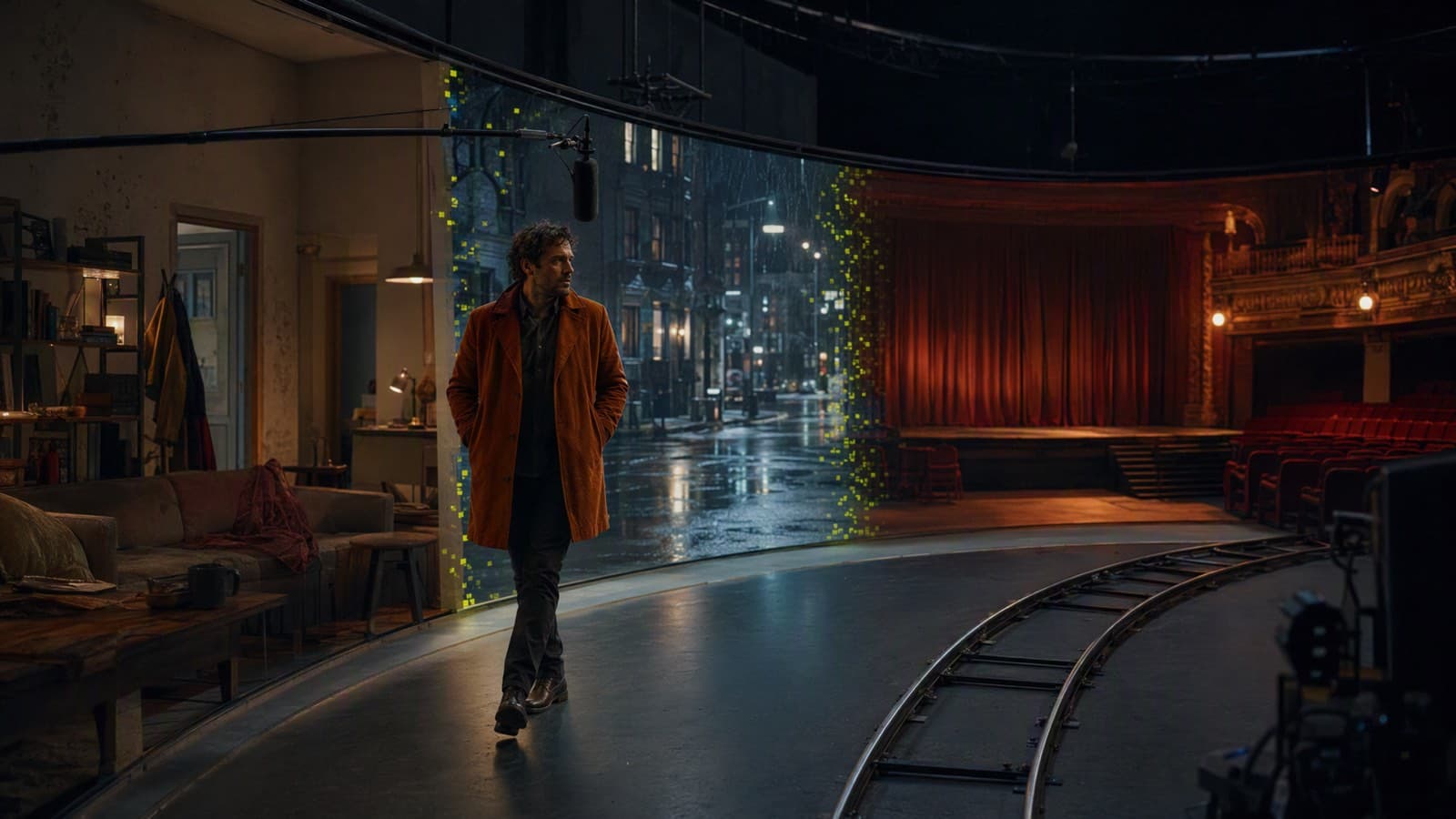 Wan2.6